Keeping Airbnb Superhost status across four properties — what I track and what I've let slip
Hoststock Team
14 June 2026
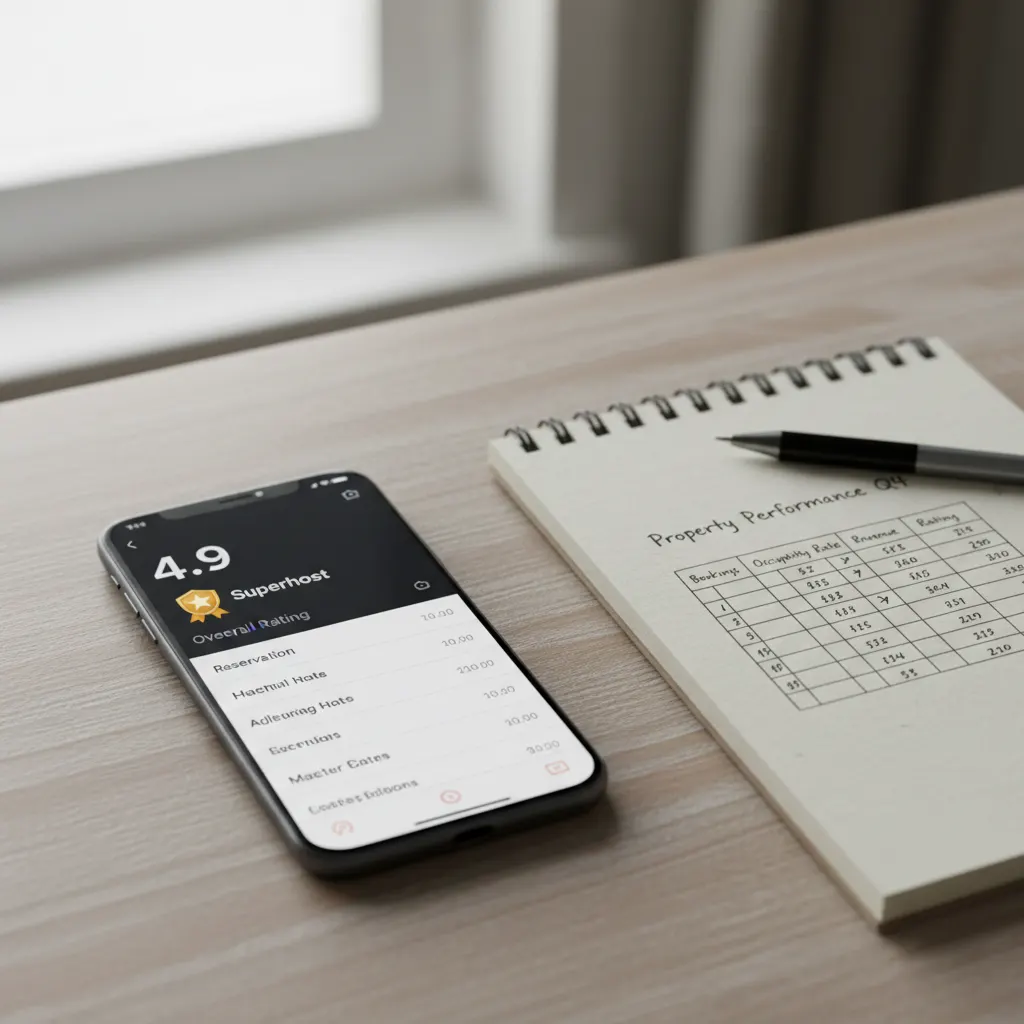
I lost Superhost status once. January 2024. I'd held it for fourteen consecutive quarters across three properties, and then I added a fourth — a bigger Edinburgh flat I took on in summer 2023 — and by October I had four three-star reviews on that new property inside eight weeks, my overall rating dropped to 4.74, and at the January assessment I was out.
It came back in April. I still think about why it happened and what I changed. Here's the full picture.
What Superhost actually requires
Airbnb assesses you four times a year: January 1st, April 1st, July 1st, and October 1st. They look at the previous twelve months of activity across all your listings. The thresholds are: 4.8 or higher overall rating, 90% or higher response rate, less than 1% cancellation rate, and at least 10 reservations or 3 totalling 100 nights or more.
The rating threshold is the one that kills most multi-property hosts. Not because you're suddenly a worse host — but because more listings mean more exposure to the variance of guest expectations, and one property performing badly can drag your combined average below 4.8 even if everything else is excellent.
Why the Edinburgh flat went wrong
In retrospect it's obvious. I listed the new flat before it was quite ready. Not physically unready — it was clean, well-furnished, functional. But the listing description was rushed. I'd described the 'quiet residential street' without mentioning that the flat is on a main road junction. The photos didn't make the floor-plan clear — guests arriving expected a more open second bedroom and found a converted box room with a double bed and not much else.
Four three-star reviews in eight weeks, all mentioning noise or the size of the second bedroom. Two of them were from guests who'd booked specifically for the second bedroom and felt misled. They weren't wrong.
I updated the listing description in October 2023. Added a sentence about the road noise and recommended earplugs (which I now include). Repriced the second-bedroom configuration down by £15 to set appropriate expectations. Added floor plan dimensions. The next ten reviews averaged 4.9.
But the damage was already in the twelve-month window.
How I track ratings across four properties now
I use a simple Google Sheet that I update weekly. Five columns: property, date, guest, rating, written comments (one line). It takes about five minutes a week to maintain and it shows me patterns that the Airbnb dashboard obscures.
The Airbnb dashboard shows you your overall score and recent reviews. It doesn't show you your trailing twelve-month average per property, which is what determines your Superhost assessment. My spreadsheet does. I can see at a glance that my Brighton flat 1 is running 4.91 for the year, Edinburgh flat 1 is at 4.85, and my newer Edinburgh flat is at 4.88 — and I can see that if I get two more 3-star reviews on any property in the next quarter, I'll be in trouble.
That visibility changed my behaviour. I now pay more attention to my 'at risk' properties — the ones closest to 4.8 — and put more effort into the pre-arrival check, the check-in communication, and the first-impression details when I have bookings on them.
Response rate: the easy one that hosts still lose
The 90% response rate requirement is measured on your first response to any new message, within 24 hours. Missing this once won't end you, but it adds up. I've maintained a response rate of 99% or above across all four properties by doing one simple thing: turning on notifications for the Airbnb app on my phone and responding to the first message within an hour wherever possible.
The 24-hour window is generous. You can sleep, you can have a full day away from your phone, and still respond in time. The hosts who miss the window are usually the ones who've muted the app because the notification volume was getting annoying. Don't do this — use the app's filtering to mute everything except messages from guests, which you'll find under notification settings.
I also have an auto-responder set up that fires when I get a new enquiry outside normal hours — it says something like 'Thanks for your message — I'll get back to you by [time] tomorrow.' That first automated message doesn't count for the response rate (you still have to actually respond) but it resets guest expectations and means they're not sitting anxiously waiting to hear if anyone's home.
The cancellation rate: lower than you think
Less than 1% sounds easy. With ten reservations a year, that means zero cancellations — one would put you at 10%. The minimum reservation threshold is there to protect new hosts, but it's also a reminder that the bar is very low tolerance for cancellations.
I have never cancelled a booking except for genuine serious reasons — a water leak in 2022 that made one Edinburgh flat genuinely uninhabitable for a week. Airbnb treated this as an 'extenuating circumstances' cancellation. I called their support line immediately, explained the situation, sent them the plumber's report, and it wasn't counted against my cancellation rate.
If you need to cancel for any other reason: don't cancel through the platform. Call Airbnb support, explain the situation, ask them to handle it as a host-initiated cancellation with explanation. The distinction matters — a straight cancellation hits your rate, a discussed cancellation with context often doesn't.
What I've let slip and why I stopped caring
Response time. Not response rate — rate is pass/fail on 24 hours, and I keep that. But Airbnb also tracks your median response time and shows it to guests. I used to be obsessive about this. I'd respond within five minutes at 11pm because I wanted to show 'within an hour' on my profile.
I stopped. My response time now averages about 40 minutes during the day and up to 8 hours overnight. I still show 'within an hour' in Airbnb's profile badge because the median keeps me there, but I've stopped treating every guest message as a crisis requiring immediate response. The bookings haven't changed. The reviews haven't changed. I sleep better.
One thing I'd do differently from the start
I'd never list a property until the listing is correct. Not 'good enough' — correct. The road noise I didn't mention cost me Superhost status for a quarter. A few hours of careful listing writing would have saved it. The description of your property is a contract with the guest about what to expect. If the contract is vague, guests fill in the gaps with whatever they imagined, and imaginations are often more optimistic than reality.
Ready to streamline your inventory?
Start managing your rental inventory smarter with automated stock tracking.
Start Free Trial