WiFi for Airbnb: what router I put in each property and what guests actually complain about
Hoststock Team
11 June 2026
Let me tell you about the worst WiFi complaint I ever received. A guest at my Edinburgh flat — a tech worker from Berlin, four nights, solo — left me a three-star review and in his written feedback said the WiFi was 'unreliable' and 'kept disconnecting'. I checked remotely. The router was fine. The internet was up. I messaged him asking what device he'd been using. 'My laptop.' What browser? 'Chrome.' Had he tried restarting the router? 'No, should I have?'
He had not restarted the router. The previous guest had. And the router, a cheap ISP-issued box I'd left in place when I took over the property, had a known firmware issue where it needed a manual reboot every seventy-two hours or the 5GHz band would drop out intermittently. I'd known about this for six months and kept meaning to replace the router. Cost of not doing that: one three-star review from a guest who lost probably two hours of work and understandably wasn't happy about it.
What guests actually complain about
I've had forty-three guest messages about WiFi across five properties over four years. Here's what they were actually about:
Disconnections or dropping out: twenty-two. Password issues (wrong, too complicated, or couldn't find it): nine. Speed complaints: seven. Couldn't find the router or connect: five.
Speed complaints account for less than a sixth of WiFi problems. In every case, the guest's complaint was 'it's slow for streaming' — not 'it's slow for working'. And in every case, the property was on a 50-100Mbps connection that is genuinely adequate for two streams of Netflix HD simultaneously. What they were experiencing wasn't speed, it was contention — everyone in the building on the same infrastructure on a Saturday evening.
So: don't over-invest in headline speed. Invest in stability.
The routers I actually use
I replaced all five ISP-supplied routers between 2023 and 2024. Here's what I put in each property and why.
Brighton flat 1 (Victorian terrace, thick walls): TP-Link Deco M5, two-unit mesh system. The building has solid Victorian brick between every room and the previous ISP router had zero signal in the bedroom. The two-node Deco M5 costs about £90 for a two-pack and covers every corner of the flat. No drops since installation — fourteen months and counting.
Brighton flat 2 (modern conversion, open plan): TP-Link Archer AX55. About £65 from Amazon. Open-plan properties don't need mesh — a single decent router with good antenna placement handles it. I put it in the living room, not hidden in a cupboard. Signal is strong everywhere. This is probably the best-value router I've put in a property.
Edinburgh New Town flat 1: TP-Link Deco XE75, single node. I went slightly overkill here because the property attracts a lot of business travellers who use it as a base for a week or two. The XE75 handles WiFi 6 and I like that the setup app makes it easy to check remotely if anything is misbehaving. About £120. Worth it for the demographic.
Edinburgh New Town flat 2: Same Deco M5 two-pack as Brighton flat 1. Georgian tenement, similar wall-thickness problem, same solution.
Lake District barn: Eero 6 two-pack, about £110. The barn has outbuildings — a little outdoor seating area under a lean-to where guests often sit in summer. The second Eero node in the kitchen window covers the outdoor area reasonably well. I'd tried a single router first and guests complained about signal in the bedroom. The mesh fixed it.
The password problem
Nine WiFi issues caused by password problems. All preventable. Here's what I changed:
First, I stopped using auto-generated passwords from routers. These look like 'xkT7#mL2PqR9' and are designed to be secure, not memorable. I set custom passwords. Eight characters, lowercase letters and numbers only, one word and one number. Something like 'sunshine44' or 'welcome22'. Is this less secure? Yes. Has any guest in five properties ever compromised anything through my router in four years? No. The security threat model for an Airbnb router is very different from a corporate network.
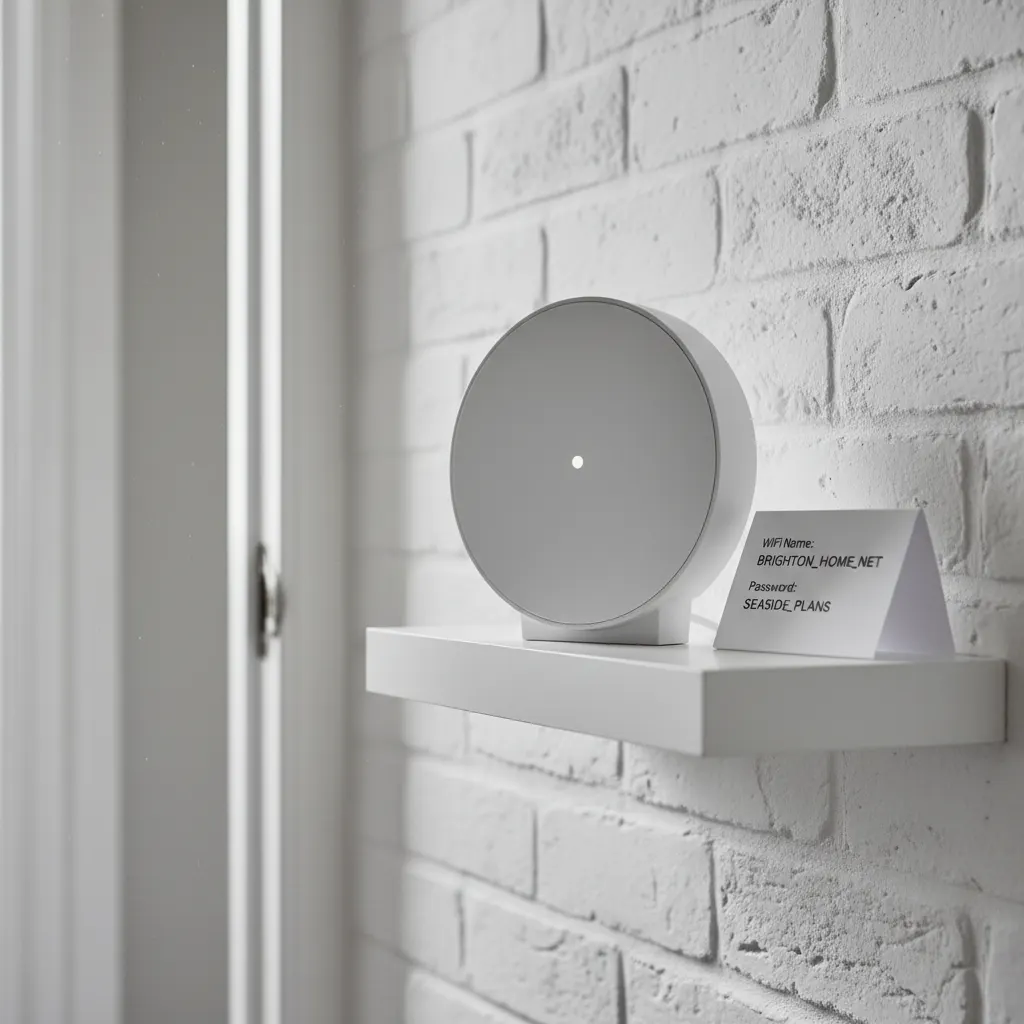
Second, I put the WiFi details in three places: the digital welcome guide, printed on a card in a small frame on the kitchen counter, and in the Airbnb app message thread for every booking. Before I did this, I got five or six 'what's the WiFi password?' messages per month across the portfolio. Now I get perhaps one.
Third — and this was a significant improvement — I set the WiFi name to something descriptive. Not 'TALKTALK-2A4F' or whatever the ISP default was. Something like 'BrightonFlat1-Guest' or 'Edinburgh-George'. When guests open their WiFi settings and see a familiar-looking network name, they connect to the right one immediately. When they see a string of random characters, they message you.
How I monitor remotely
All my TP-Link Deco units connect to the Deco app. I can see from my phone whether each router is online, how many devices are connected, and whether there have been any drops. I check it maybe once a week — less if there have been no messages about WiFi from guests. If a router goes offline, I get a notification on my phone.
Before this I had no visibility at all. The Berlin guest situation wouldn't have happened if I'd known the router had a reliability issue. Now I can see it and act before it causes a review impact.
The Eero app does the same thing for the Lake District barn. Different ecosystem, same basic monitoring capability.
Broadband contracts — what I've found
Four of my five properties are on consumer broadband contracts. The Edinburgh flat 2 is on a business broadband deal because the building management company has some restriction on residential consumer contracts for non-owner-occupied properties. Business broadband costs me about £20 more per month and the service is genuinely more reliable — not because the fibre is different but because the fault-response SLA is better.
For the other four: Zen Internet for the Brighton properties, and BT Ultrafast for the Edinburgh properties where Zen isn't yet available. I am not going to pretend any of these are cheap — Edinburgh broadband runs me about £42 a month per property. But this is an essential service. I'd spend less elsewhere before I'd cut the broadband budget.
The five-minute setup I wish I'd done from the start
Set the router to auto-reboot weekly. Every router I've installed since early 2024 has a scheduled reboot in its settings — Sunday 3am, when no guest is ever using it. This prevents the 72-hour firmware issue that caused my worst WiFi complaint. It's a thirty-second setting change. Do it when you install the router and then never think about it again.
Ready to streamline your inventory?
Start managing your rental inventory smarter with automated stock tracking.
Start Free Trial